 Cadenza
The facts
| Name | Cadenza |
| What it is | A desktop application that names chords and scales from a MIDI keyboard in real time, and turns a recorded take into engraved, exportable notation |
| Made by | Vytautas Straižys — Vilnius, Lithuania |
| Price | Basic is free. One-time modules: Full €39, Record €39, Grips €35; everything together €69. No subscription. |
| Trial | 3 days with everything unlocked, no card; then the app steps down to the free Basic tier |
| Platforms | macOS and Windows |
| Languages | English and Lithuanian |
| Website | cadenzalab.com |
Boilerplate
One line. Cadenza reads a MIDI keyboard, names every chord as it is played, and turns a recorded take into sheet music you can export.
One paragraph. Cadenza is a desktop application for pianists, built in Vilnius. It reads any class-compliant MIDI keyboard and names chords and scales as they are played, across twelve windows that can be detached and captured individually — which is why streamers and teachers use it. Its recorder then does the harder half: you play with a metronome, and it returns quantised notation with bars, note values, ties, two hands and the right key signature, exportable as MusicXML, MIDI or PNG. Real-time chord naming exists elsewhere and so does notation software; doing both in one application is the part nobody else does. Basic is free forever; the paid modules are one-time purchases with a three-day everything-on trial and no subscription.
What it does not do, stated because the product page states it too: triplets are placed but not yet bracketed, a stave carries one voice, a take carries one key signature, and the tempo is fixed at the start of a recording.
Using these images
You may reproduce anything on this page in any article, review or video about Cadenza, without asking and without a fee. Please do not alter the screenshots other than to crop or scale them — the notation in them is correct, and that is rather the point.
Thumbnails below are WebP; every link downloads the original PNG at 2×. Also here: export-take.musicxml, a genuine export you can open in MuseScore, Sibelius or Dorico.
The application
 Dock 96 KB
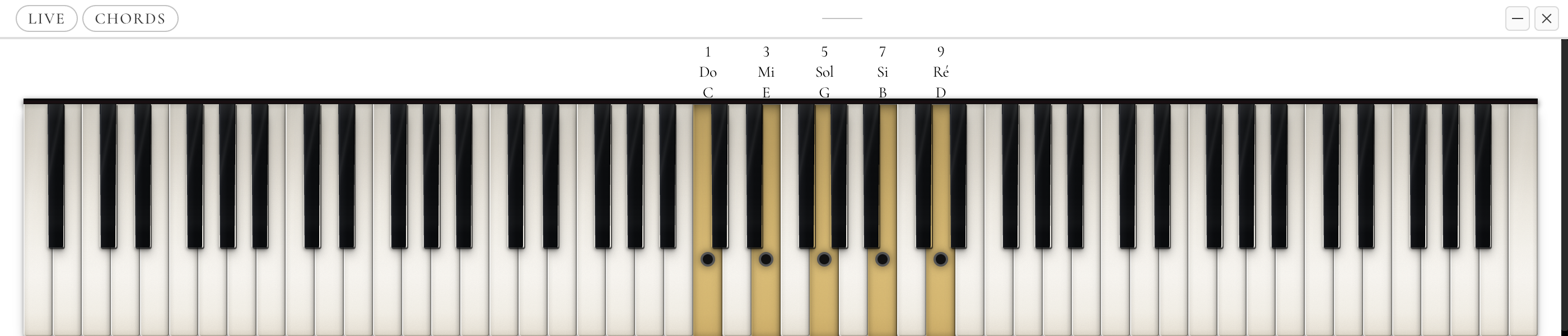
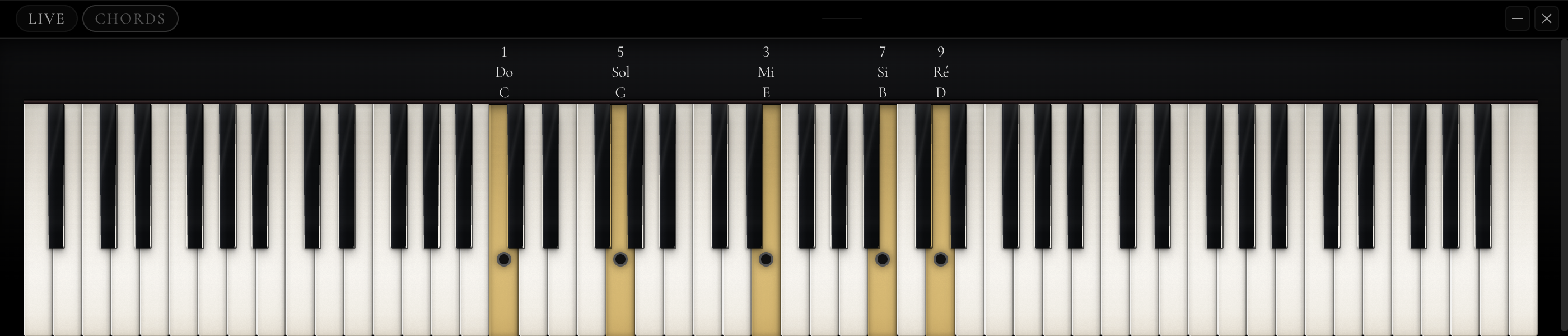 Keyboard Cmaj9 379 KB
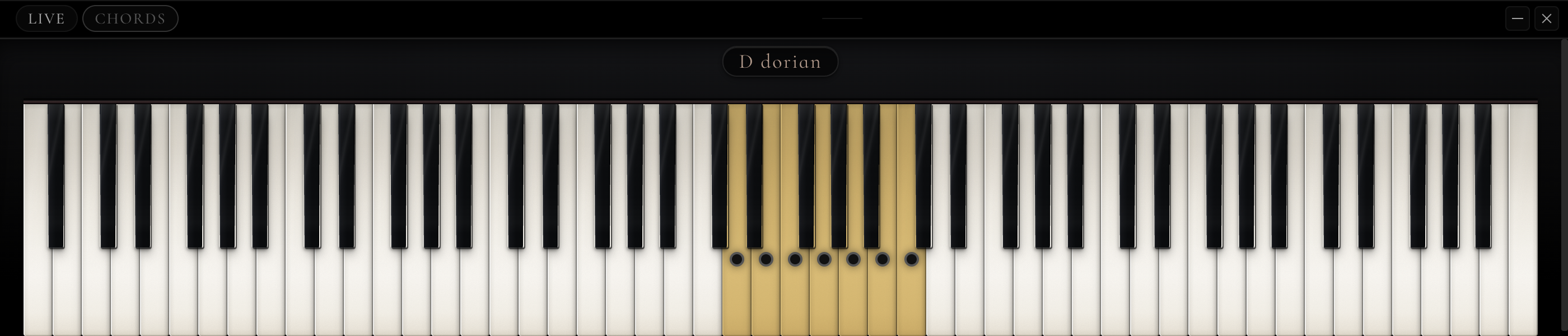 Keyboard Scale 374 KB
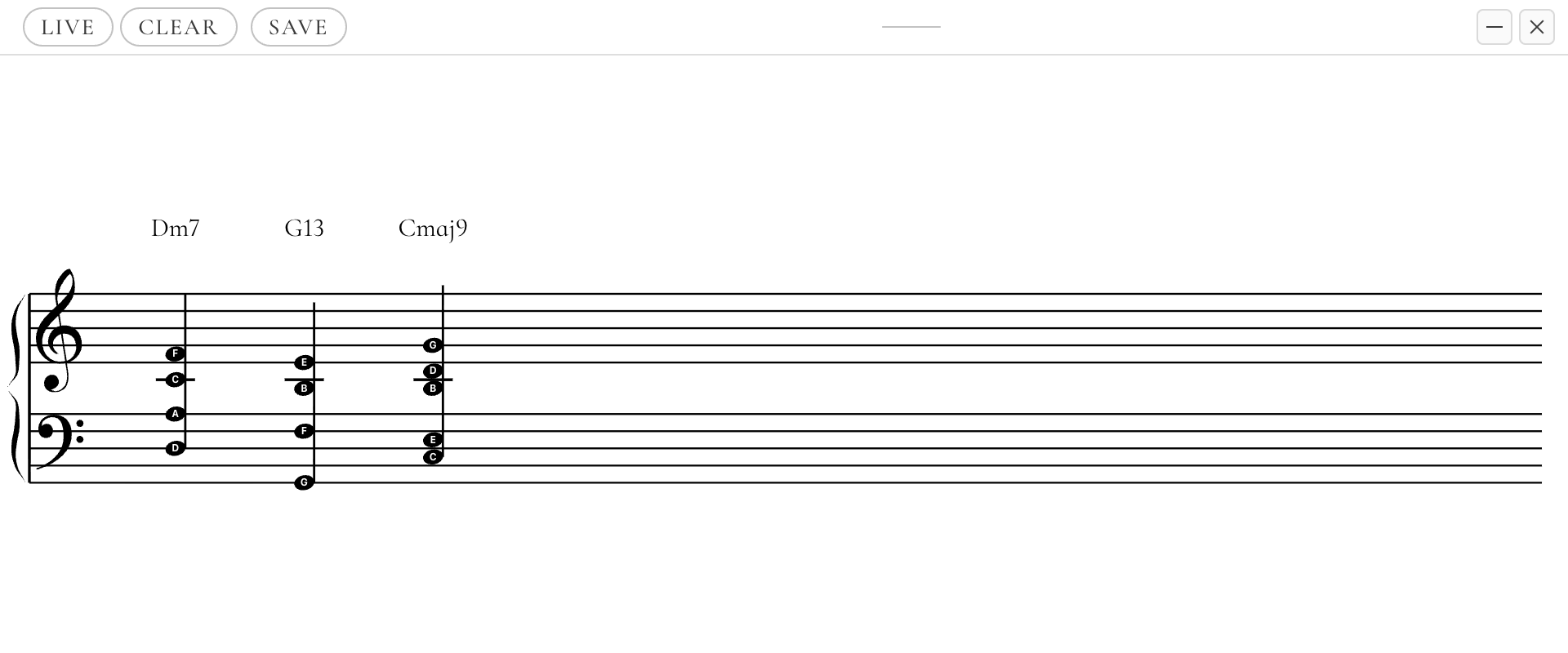
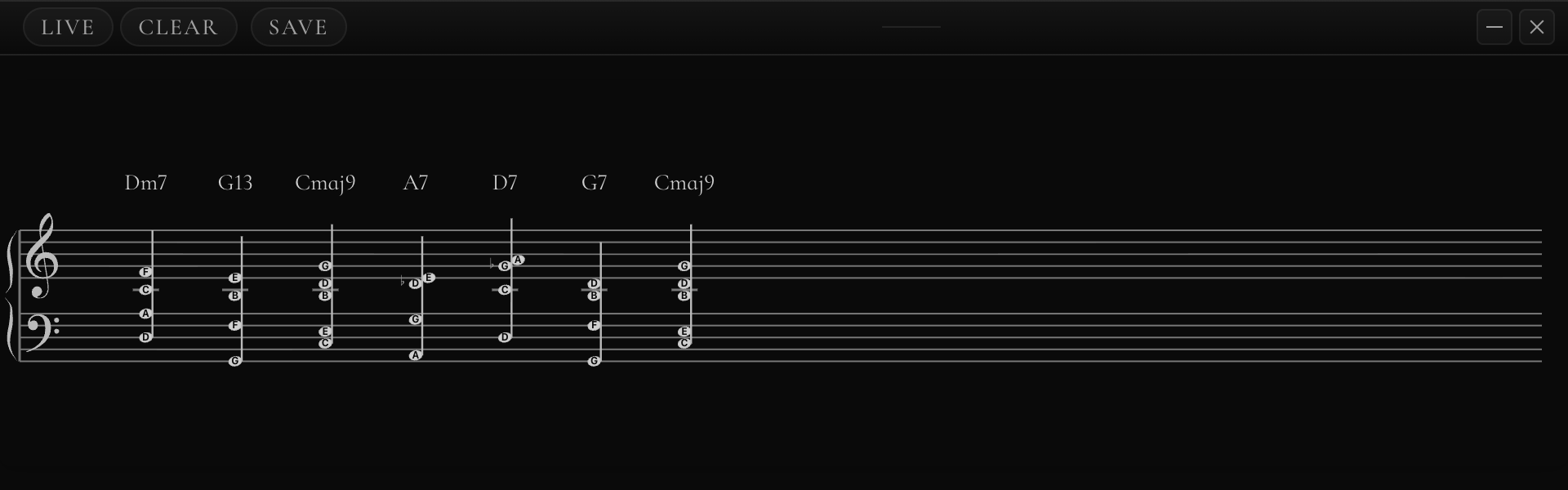 Staff Progression 50 KB
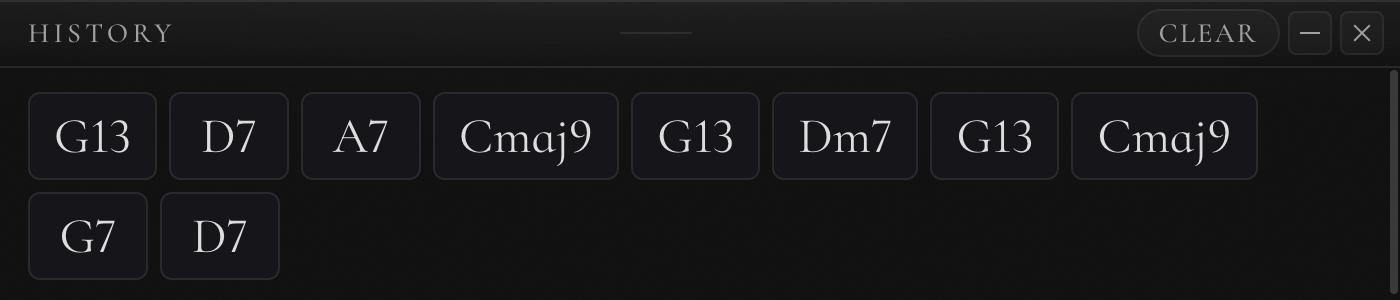 History 40 KB
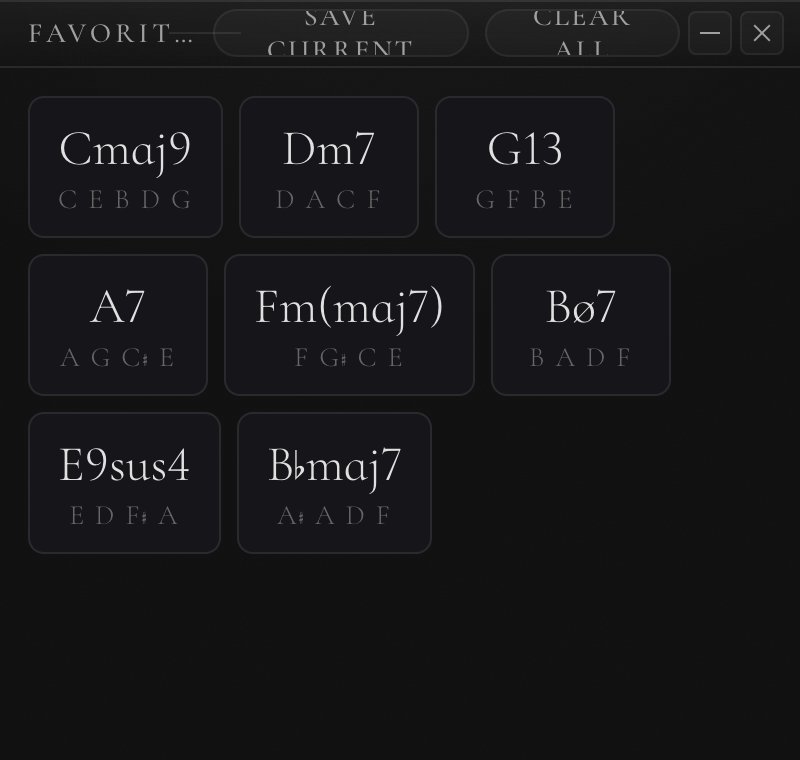 Favorites 60 KB
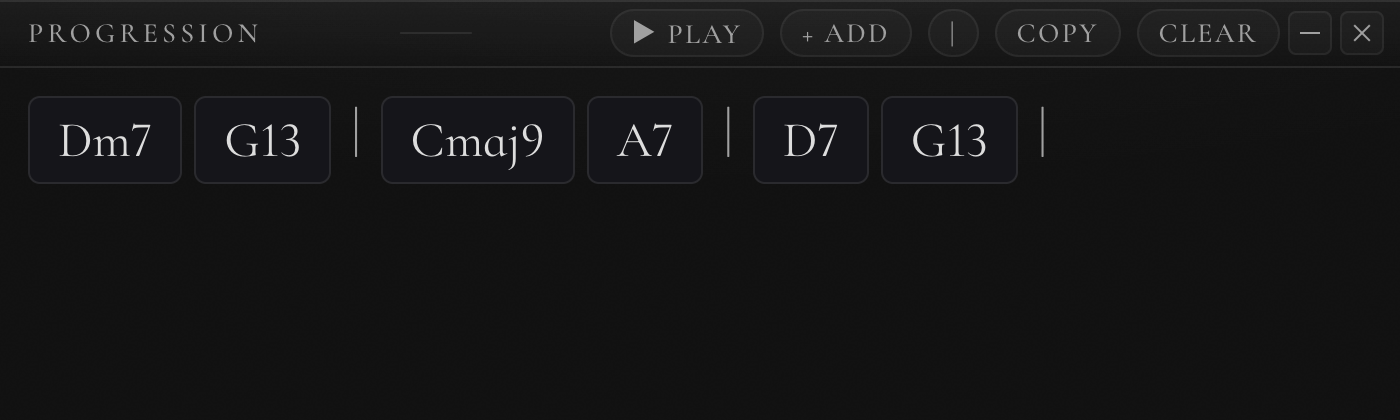 Progression 65 KB
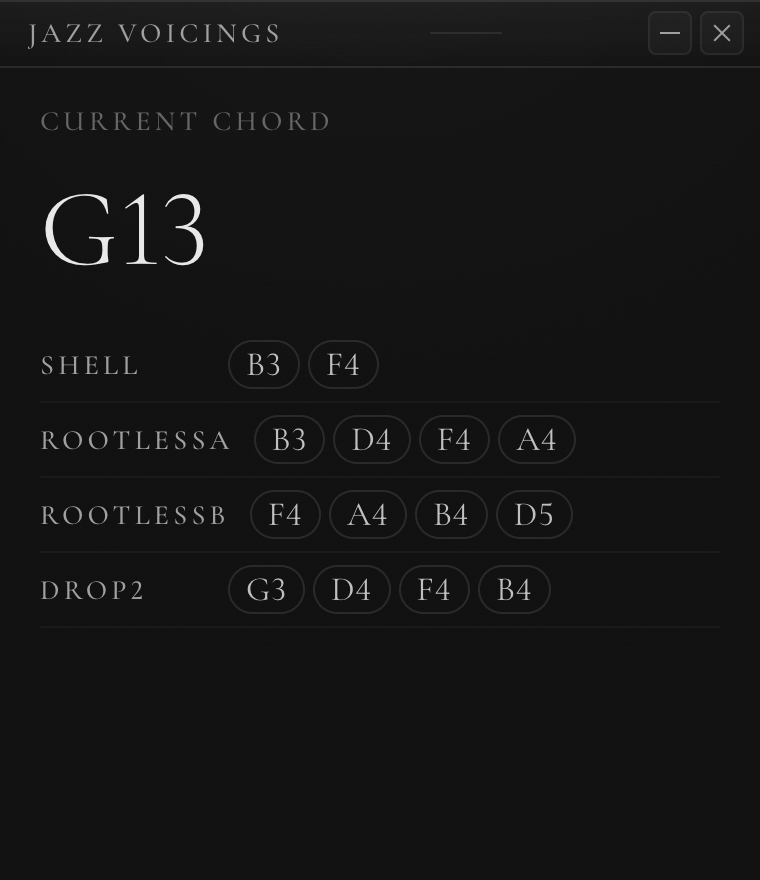 Voicings G13 59 KB
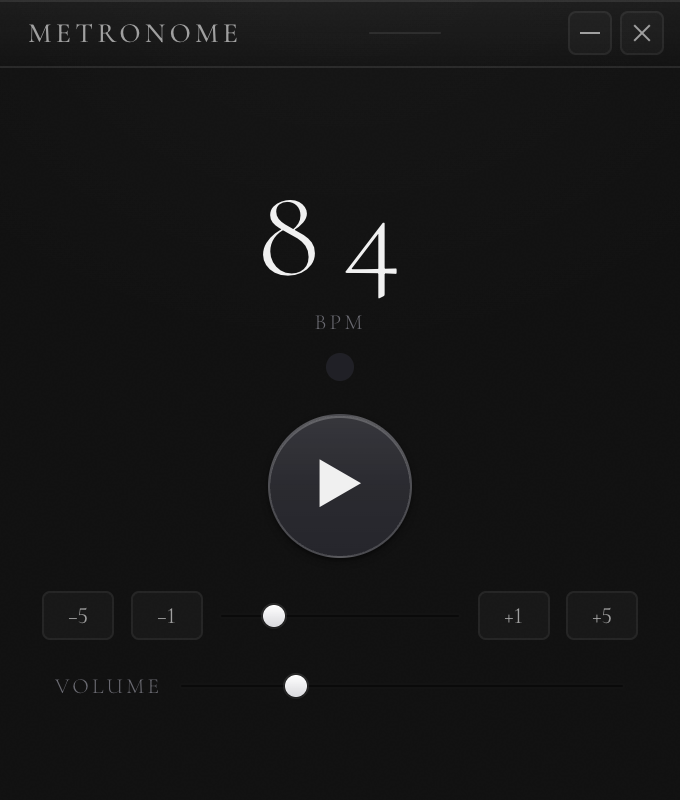 Metronome 36 KB
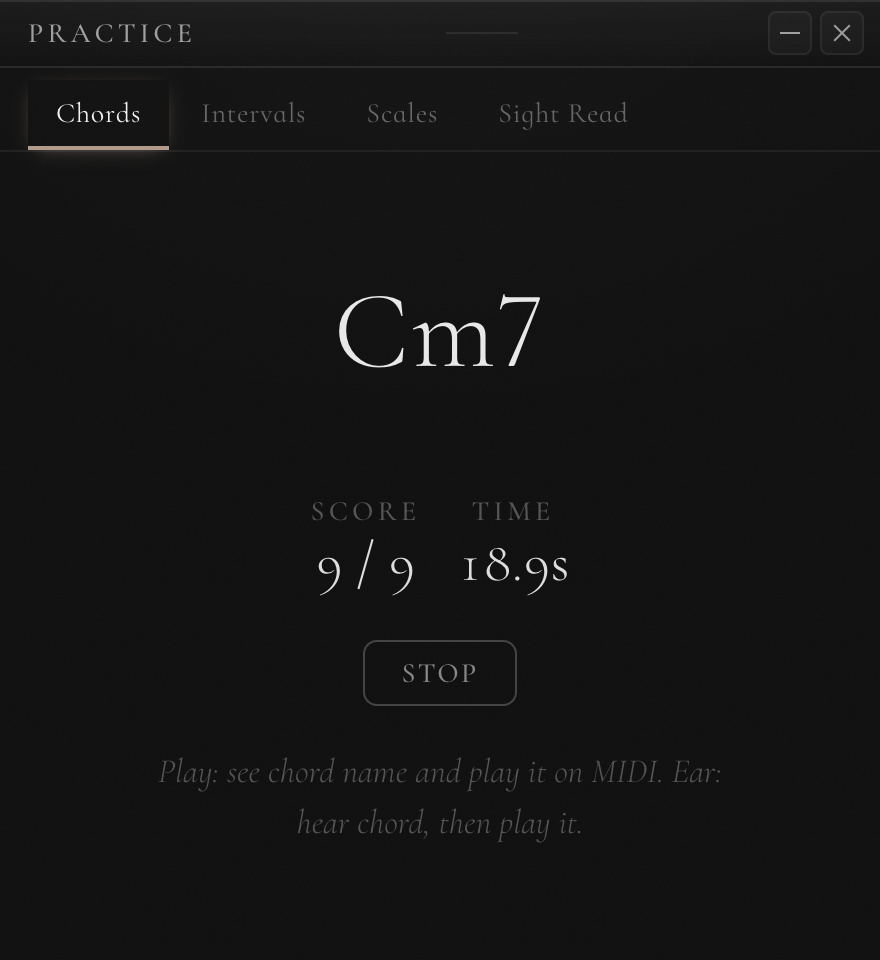 Practice 86 KB
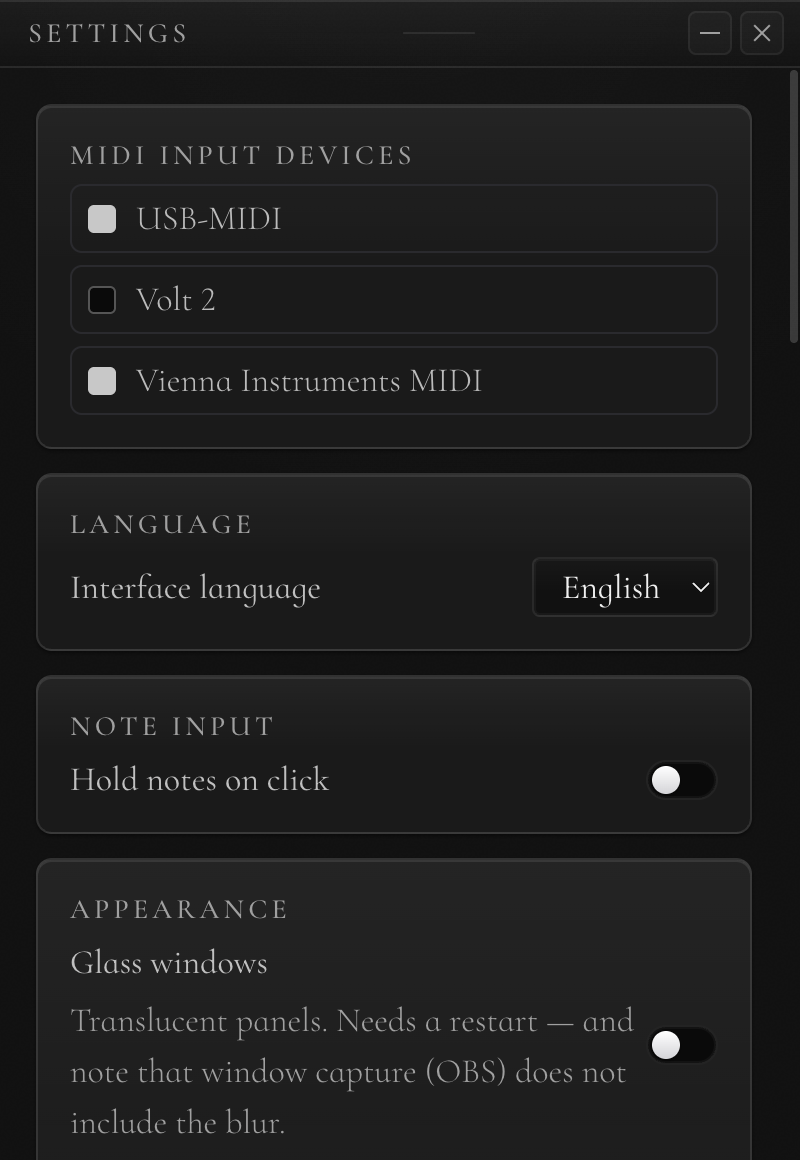 Settings 91 KB
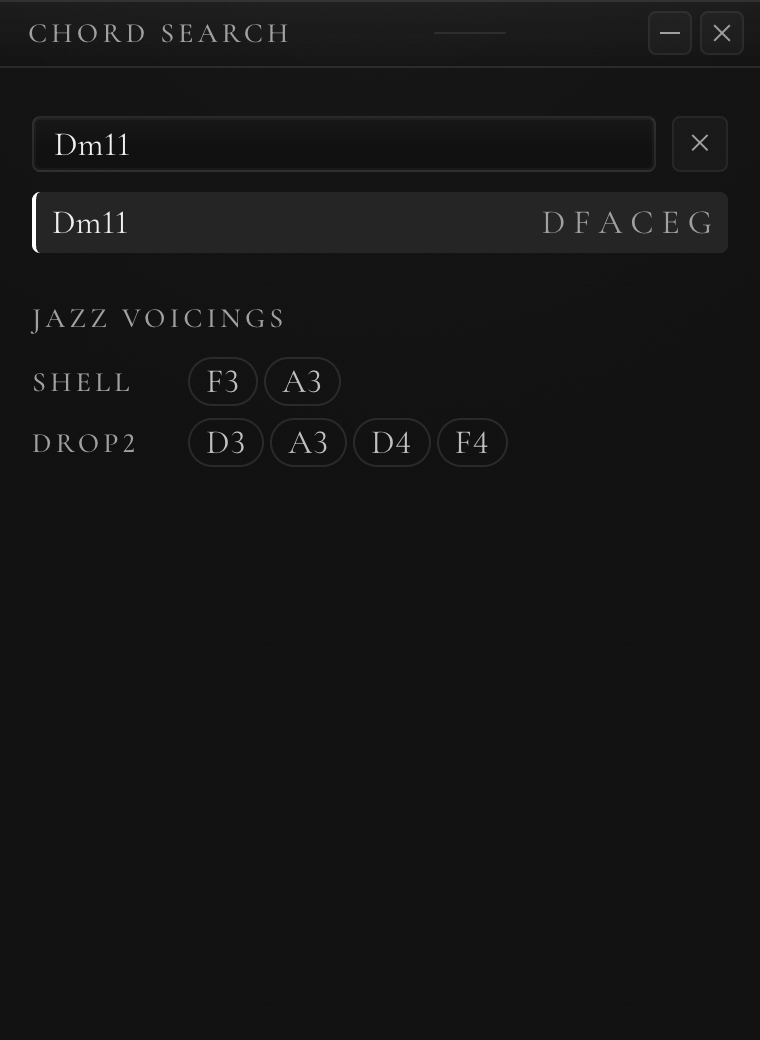 Chord Search 42 KB
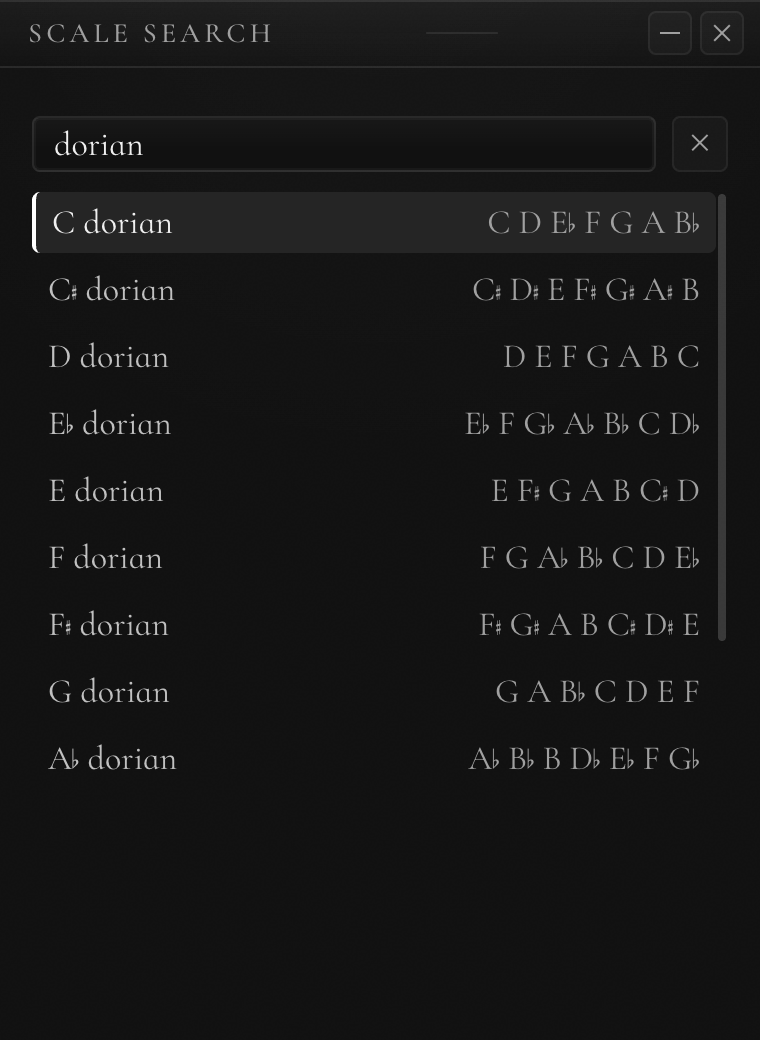 Scale Search 82 KB
Chord naming
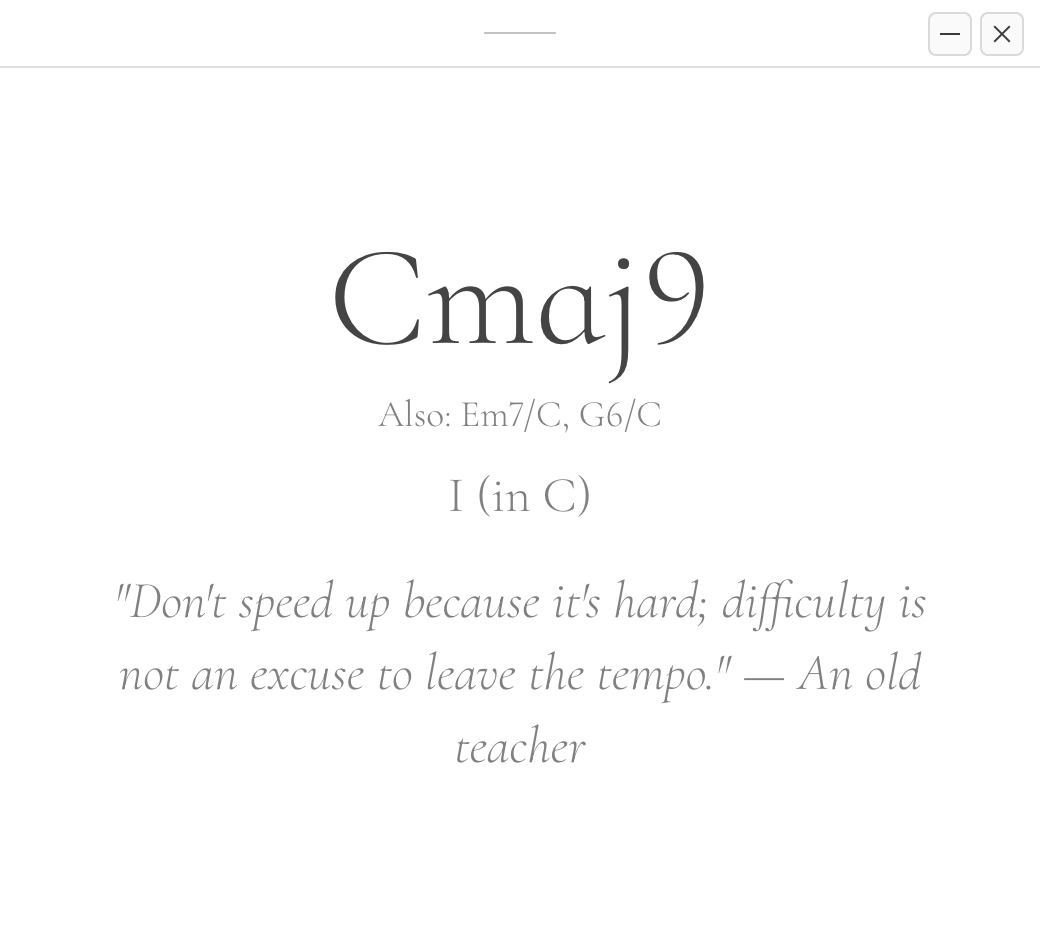
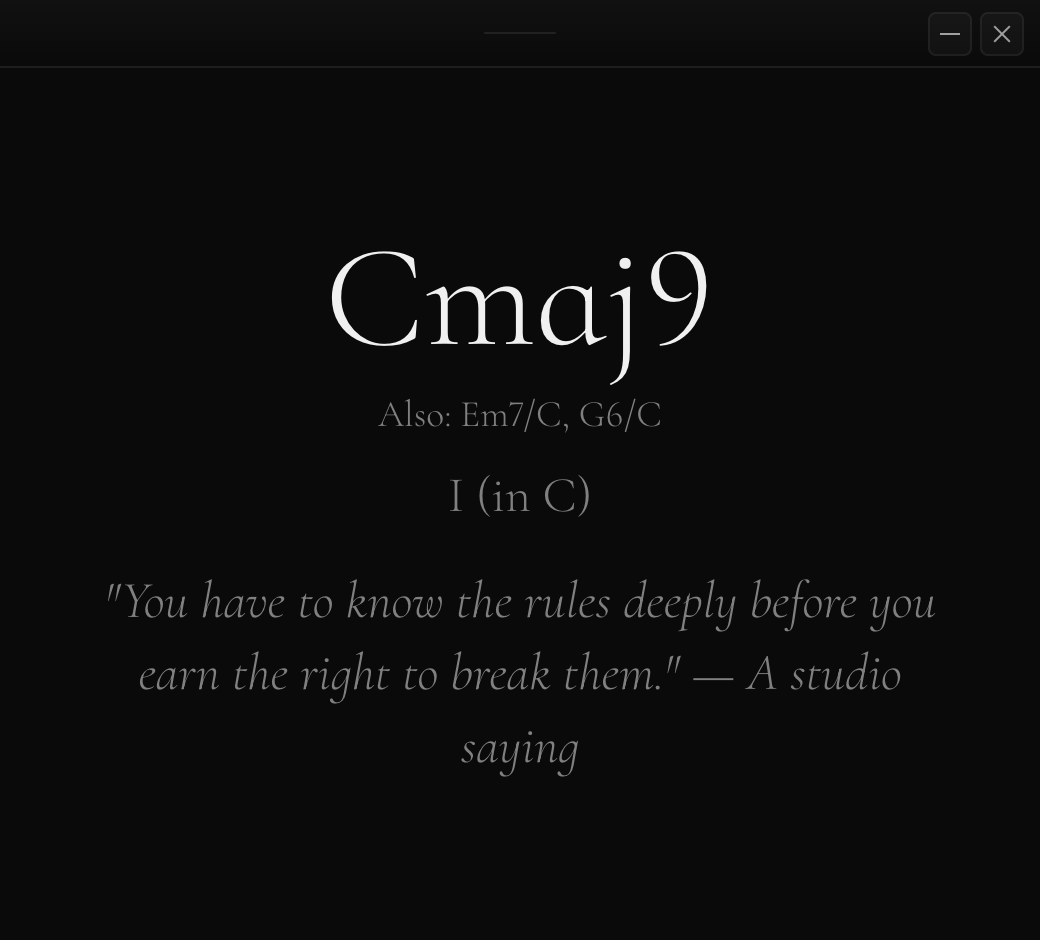 Chord Cmaj9 82 KB
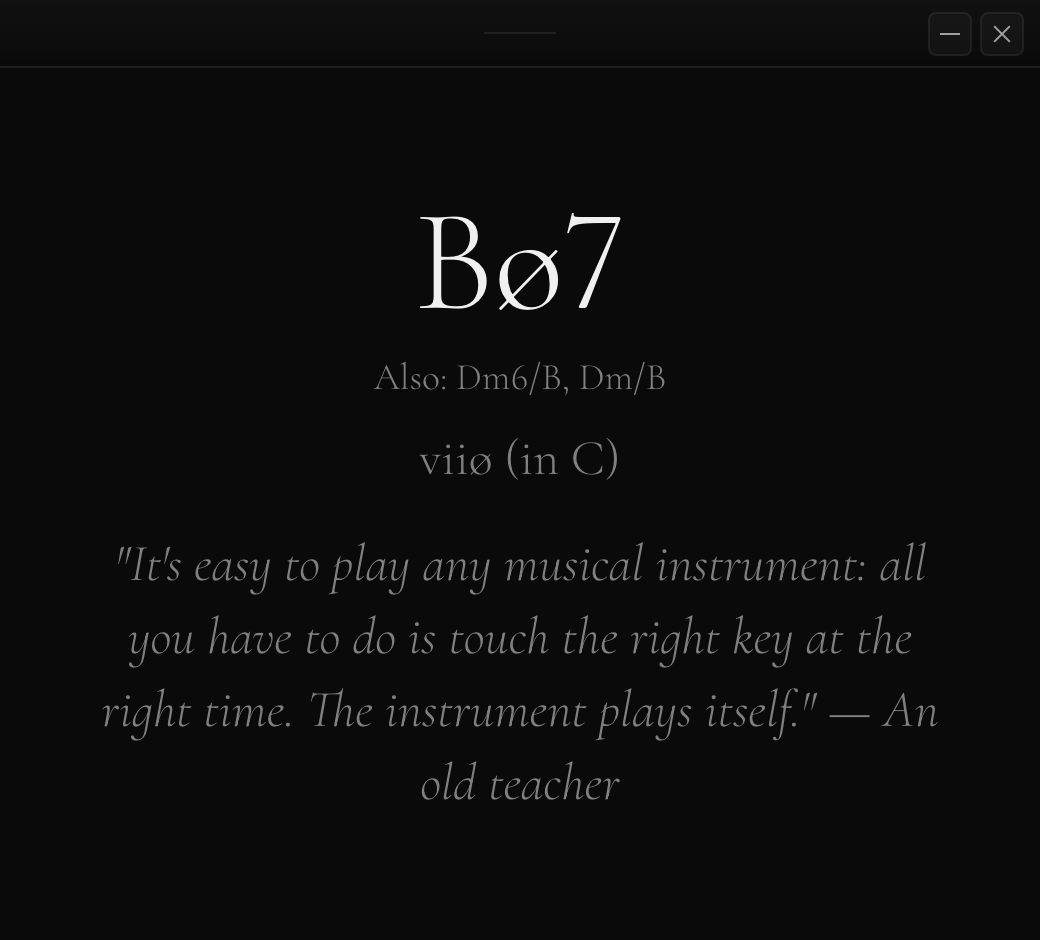 Chord Halfdim 80 KB
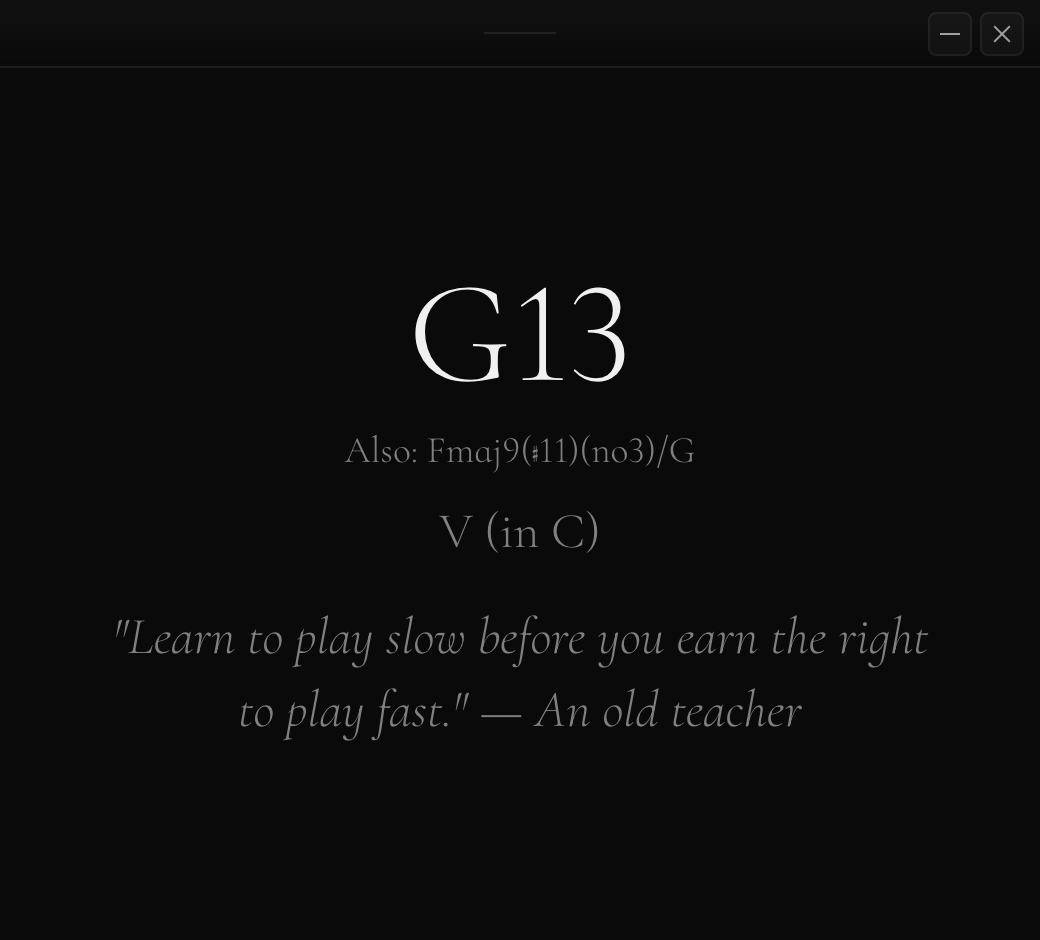 Chord G13 77 KB
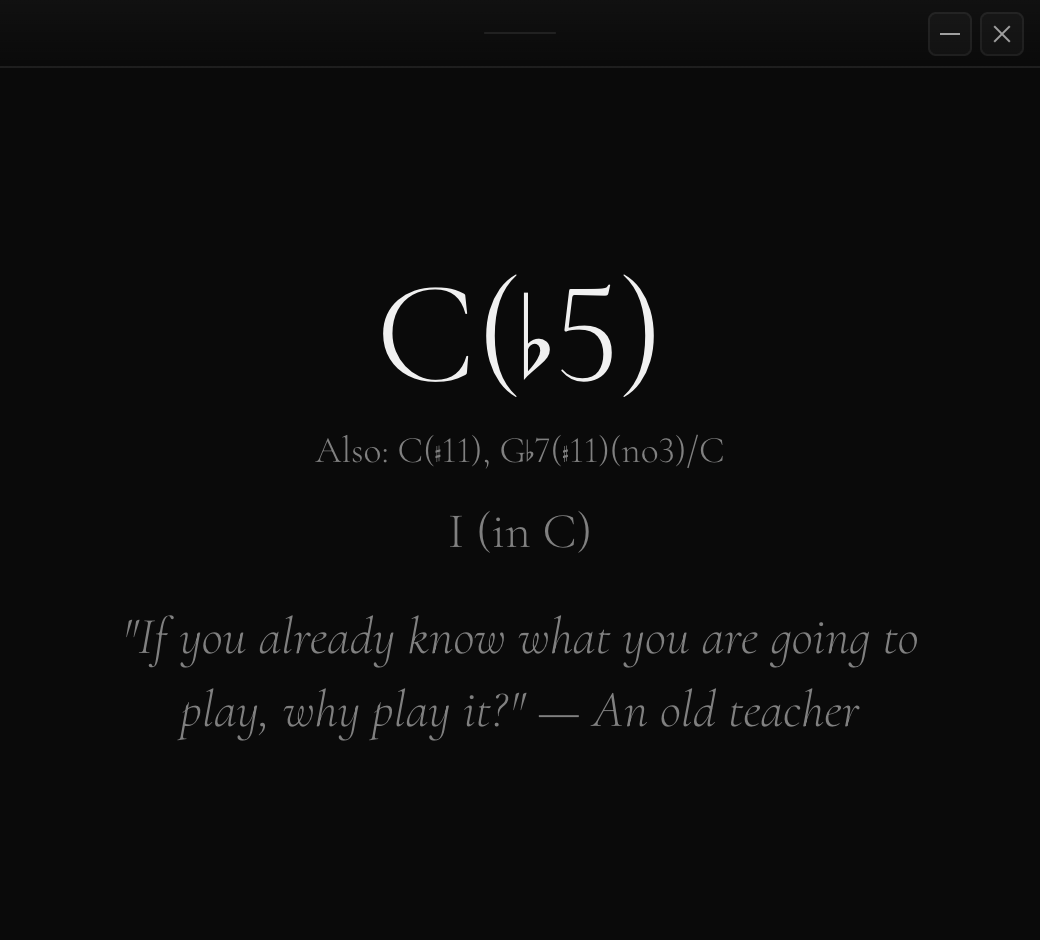 Chord C Flat5 74 KB
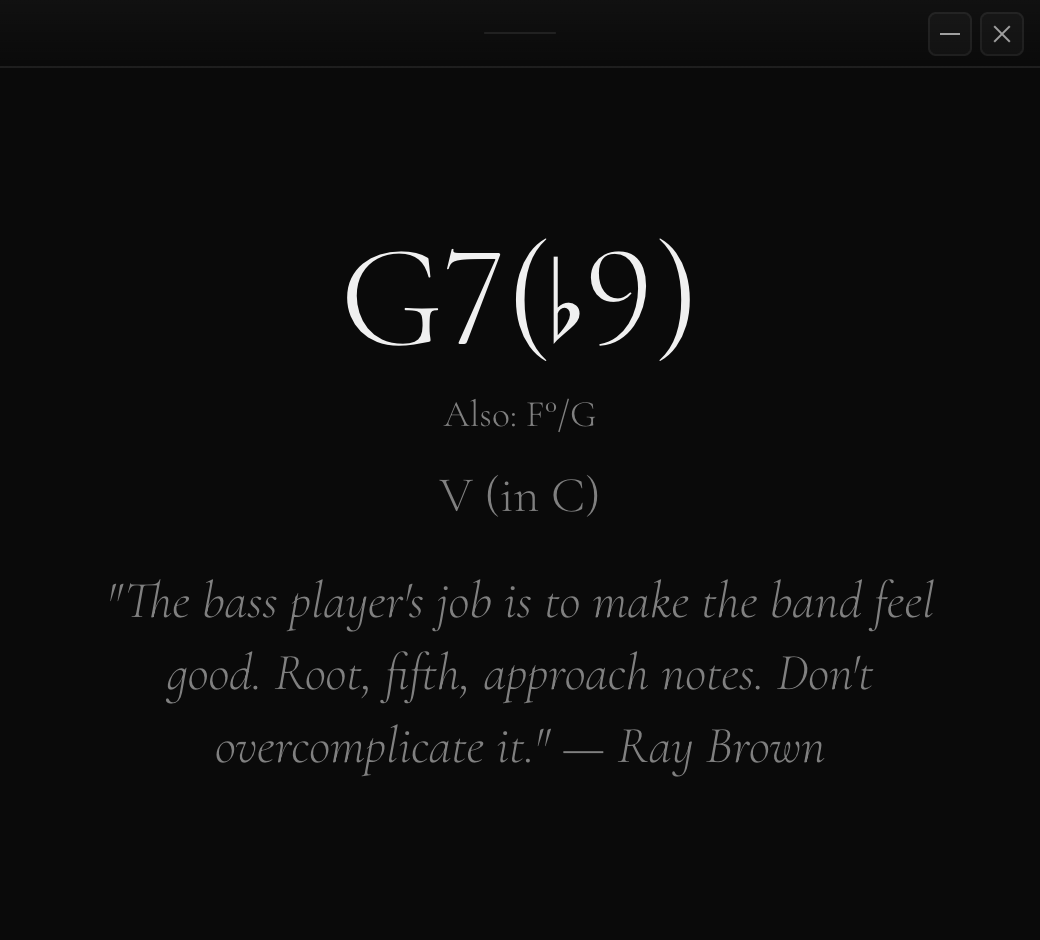 Chord G7b9 77 KB
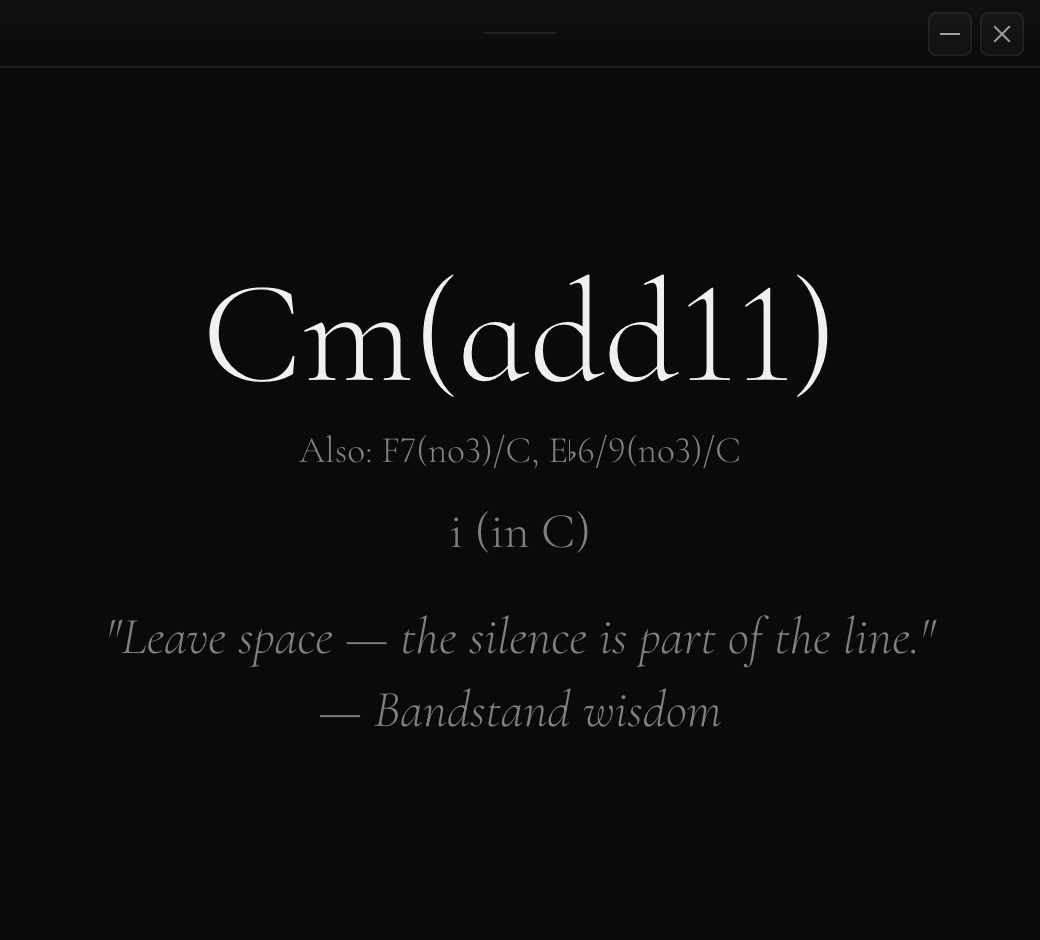 Chord Cm Add11 82 KB
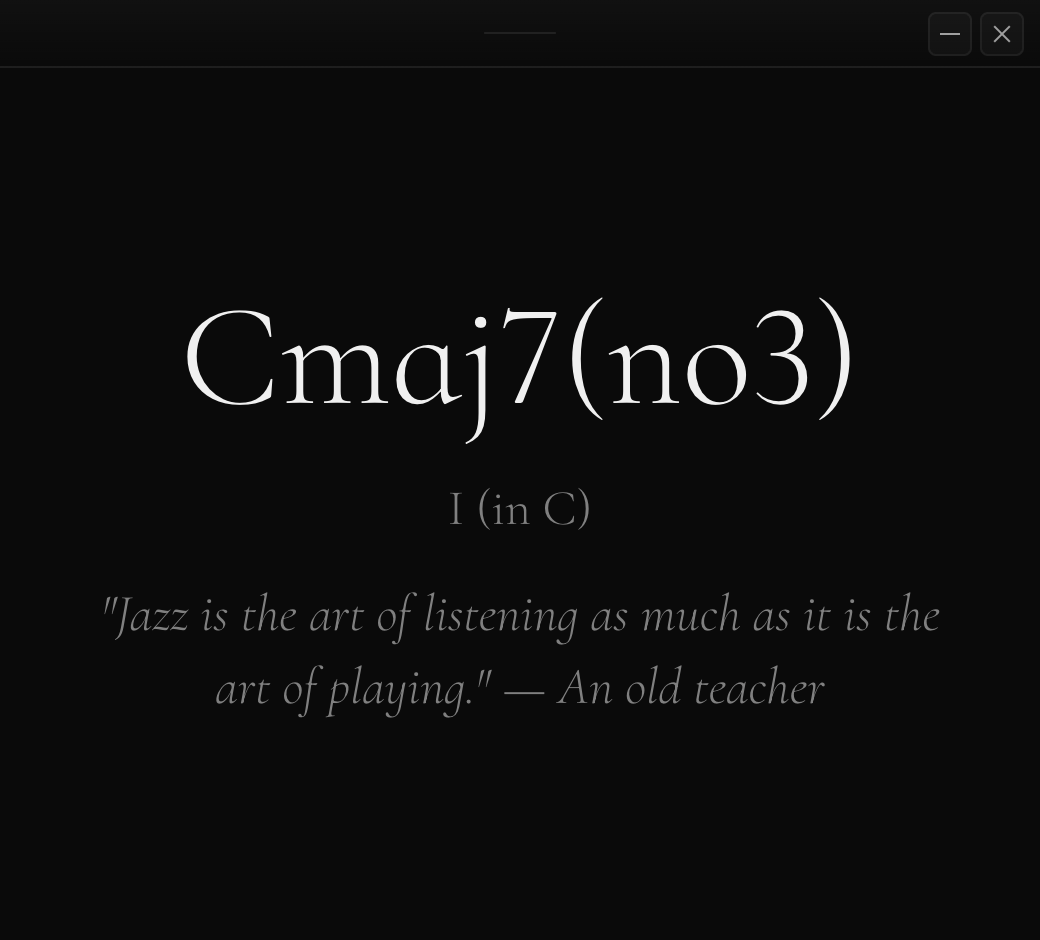 Chord Shell 71 KB
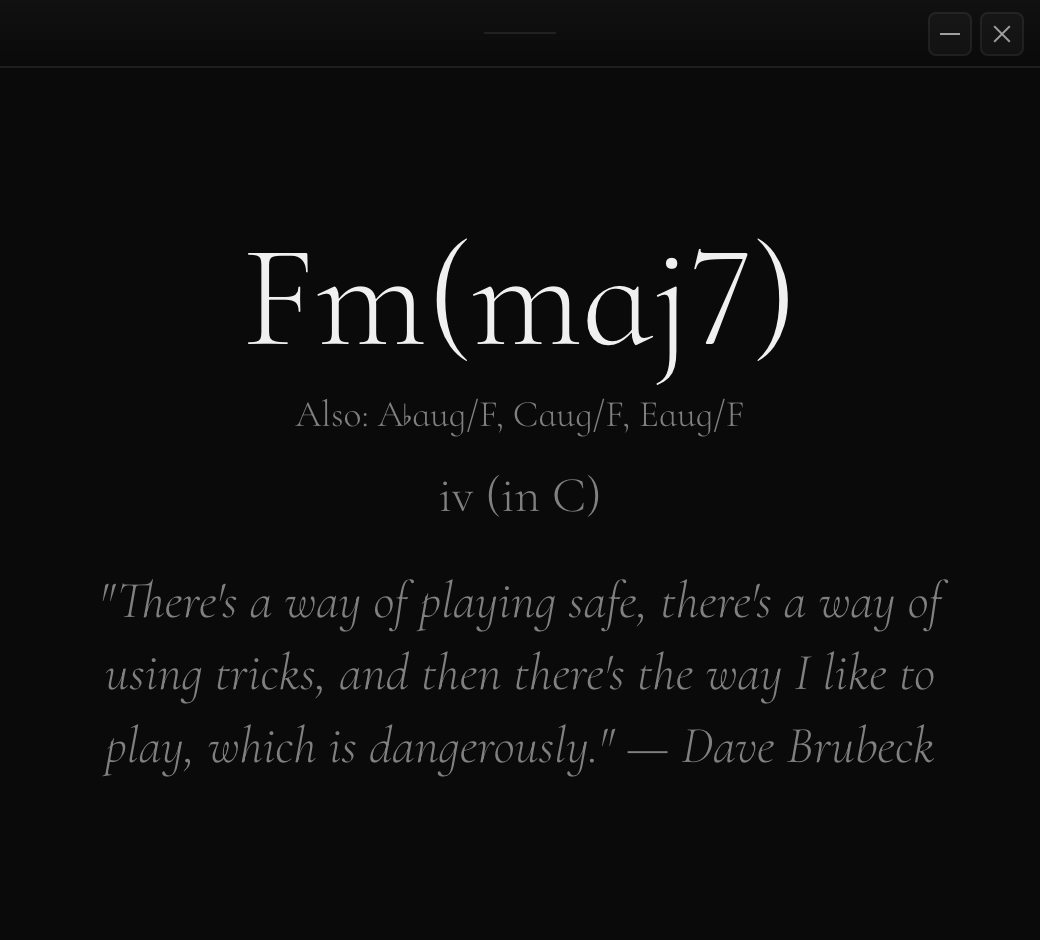 Chord Fm Maj7 87 KB
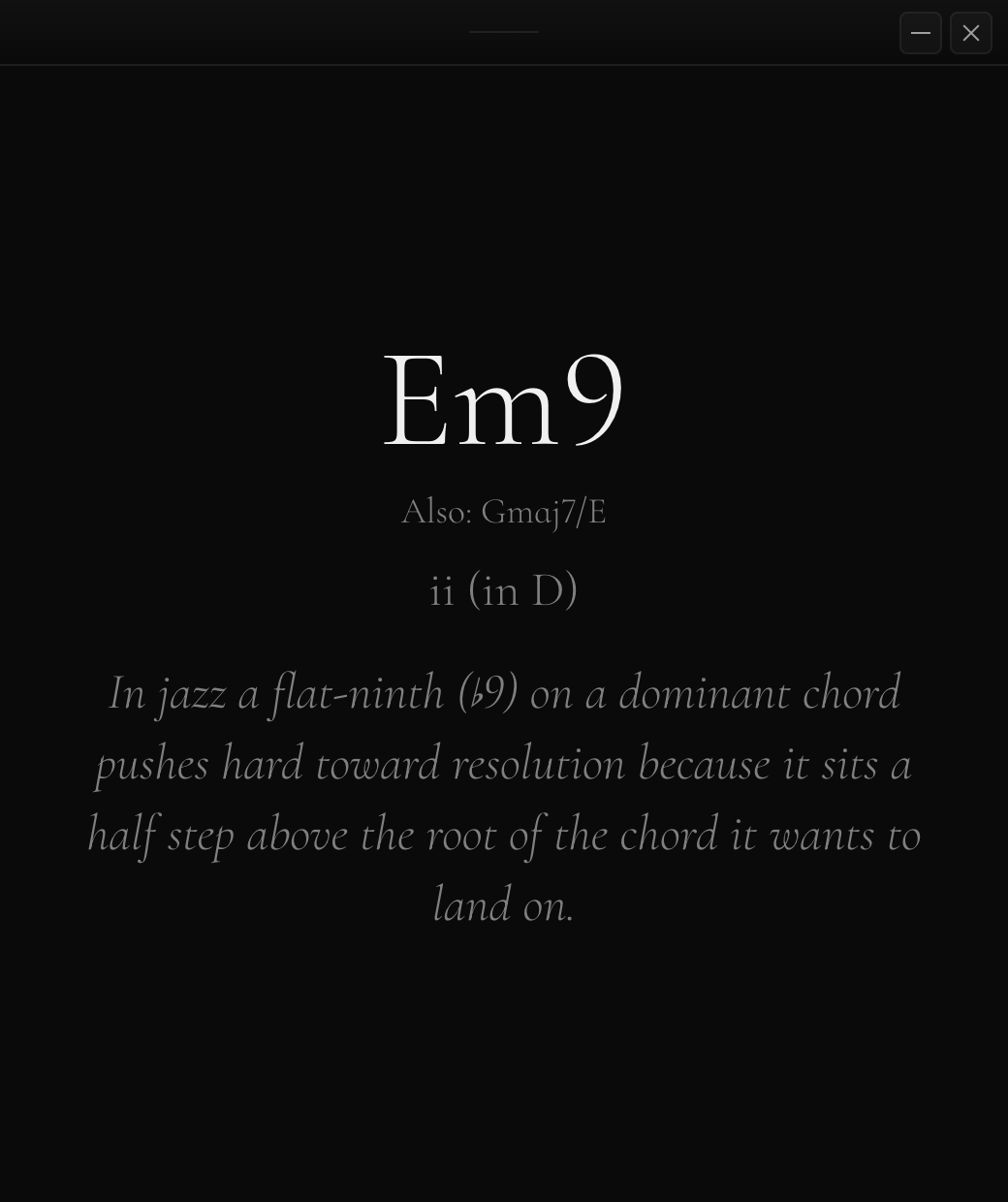 Chord Theory 119 KB
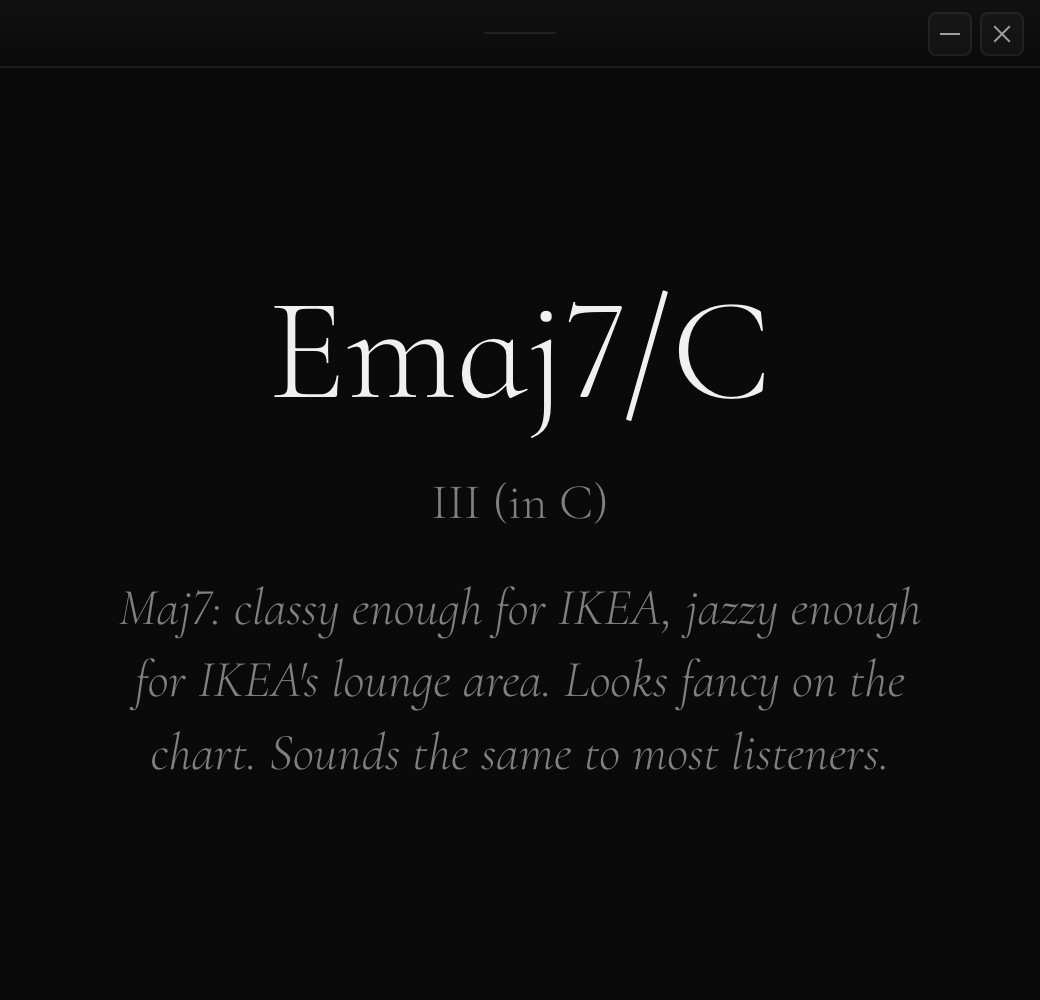 Chord Funny 62 KB
The Recorder
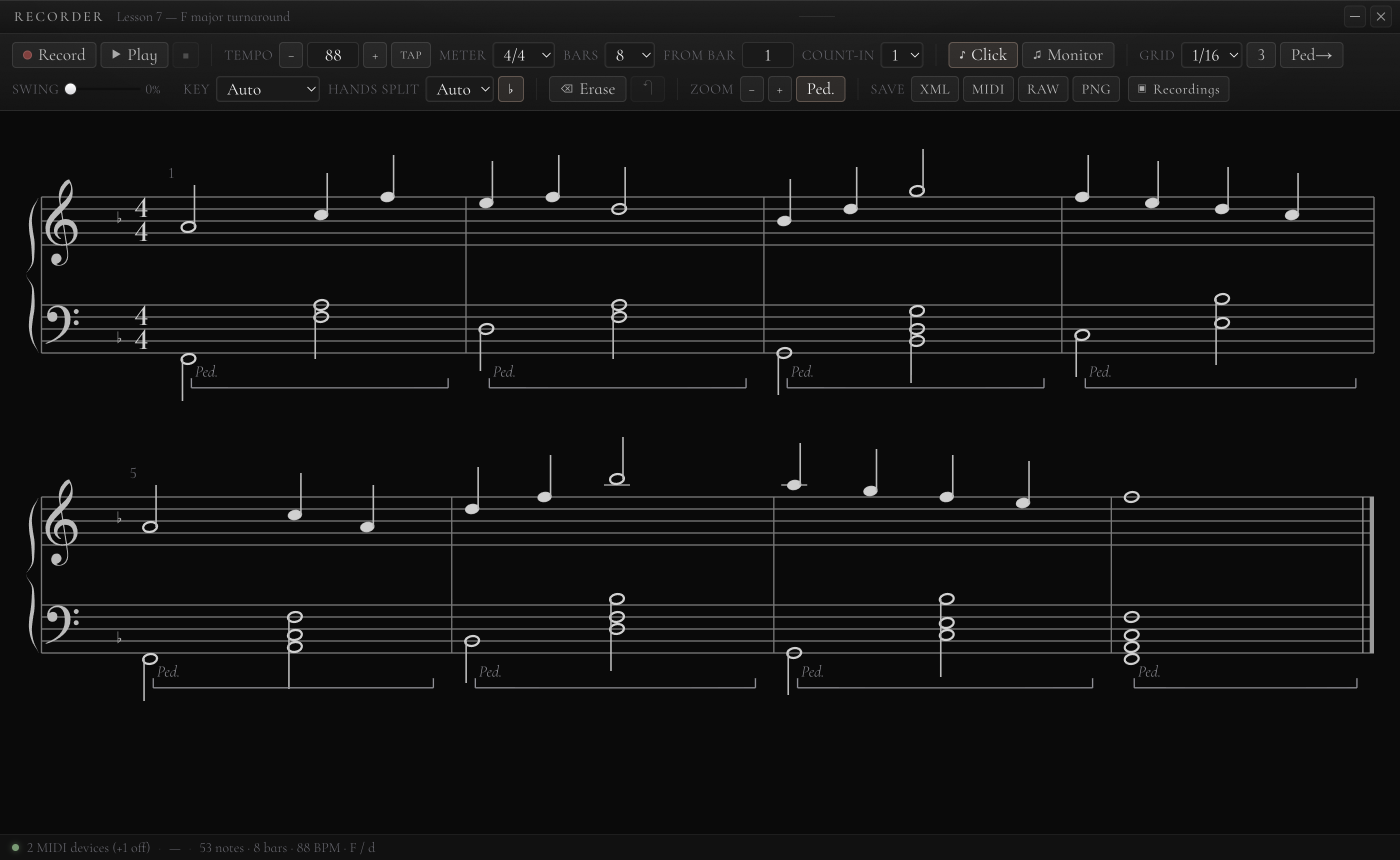 Recorder Score 172 KB
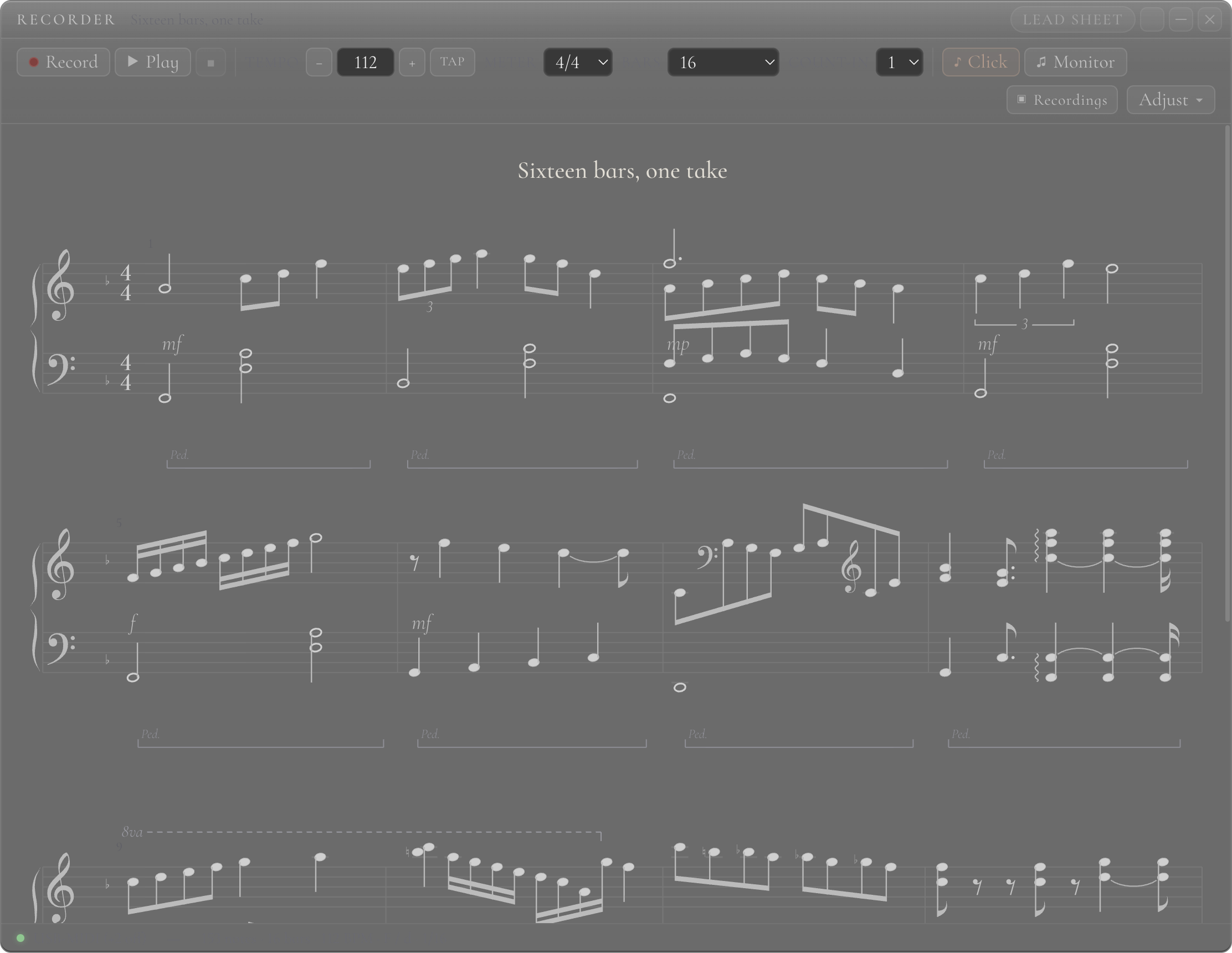 Recorder Showcase 217 KB
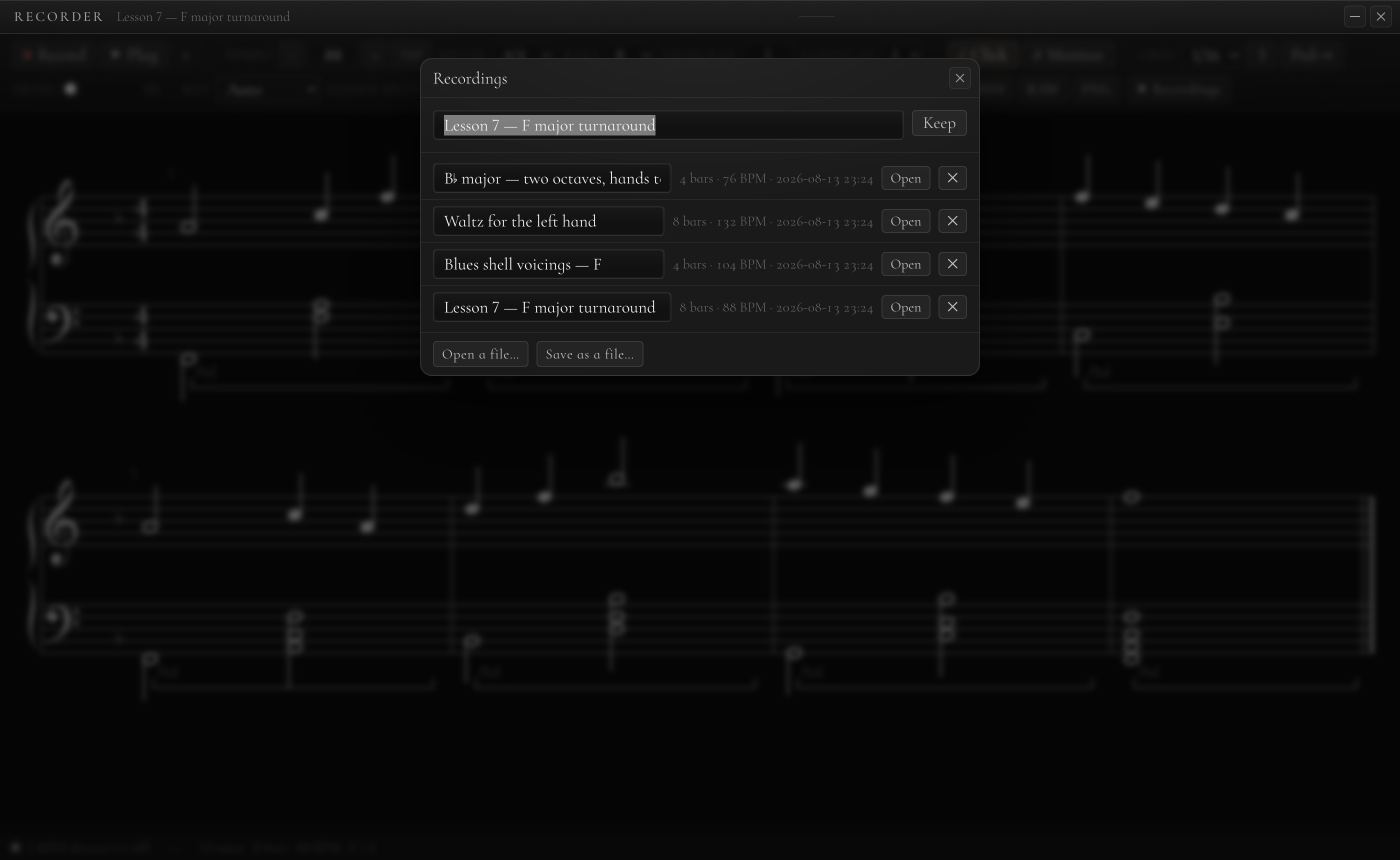 Recorder Shelf 656 KB
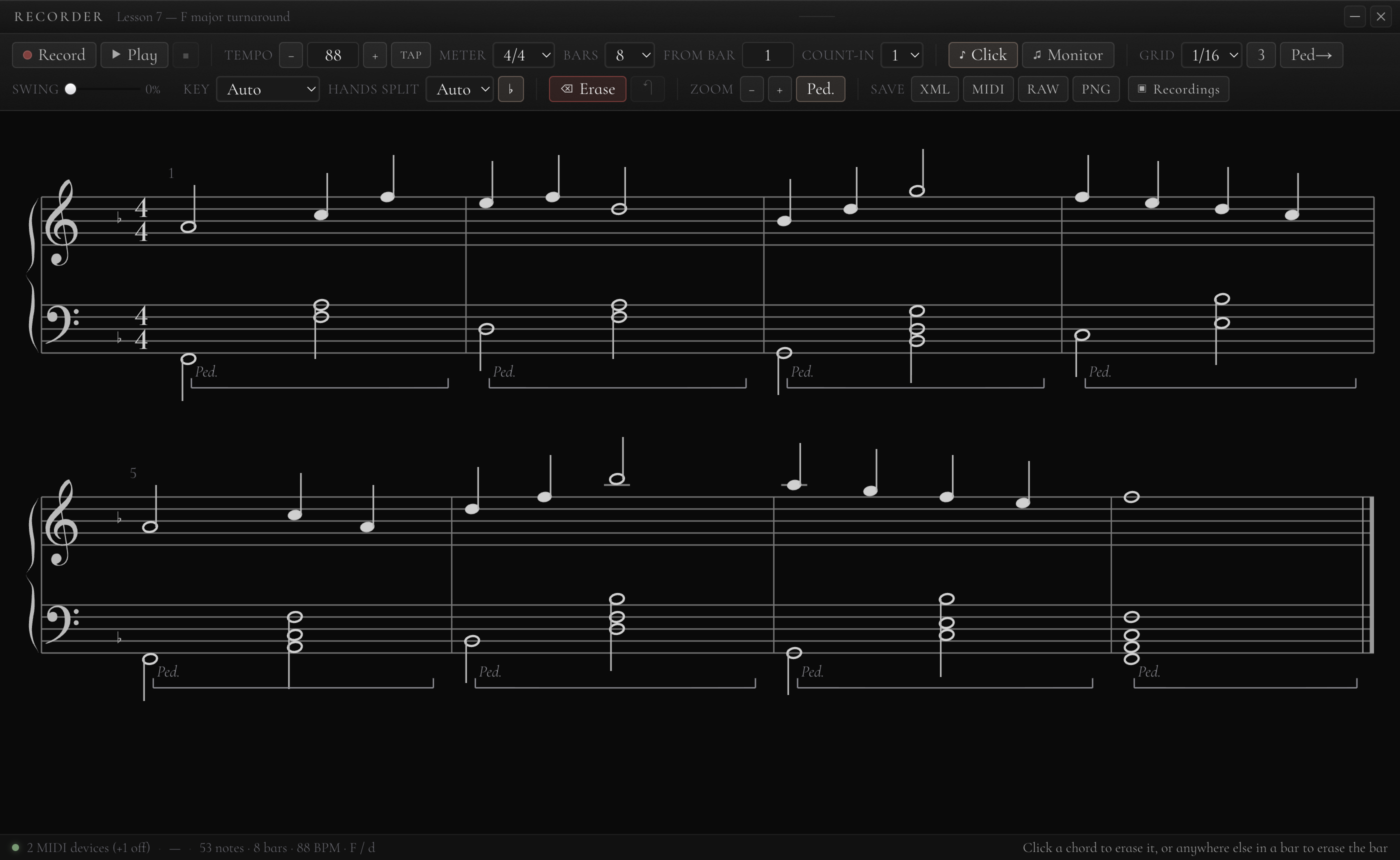 Recorder Erase 180 KB
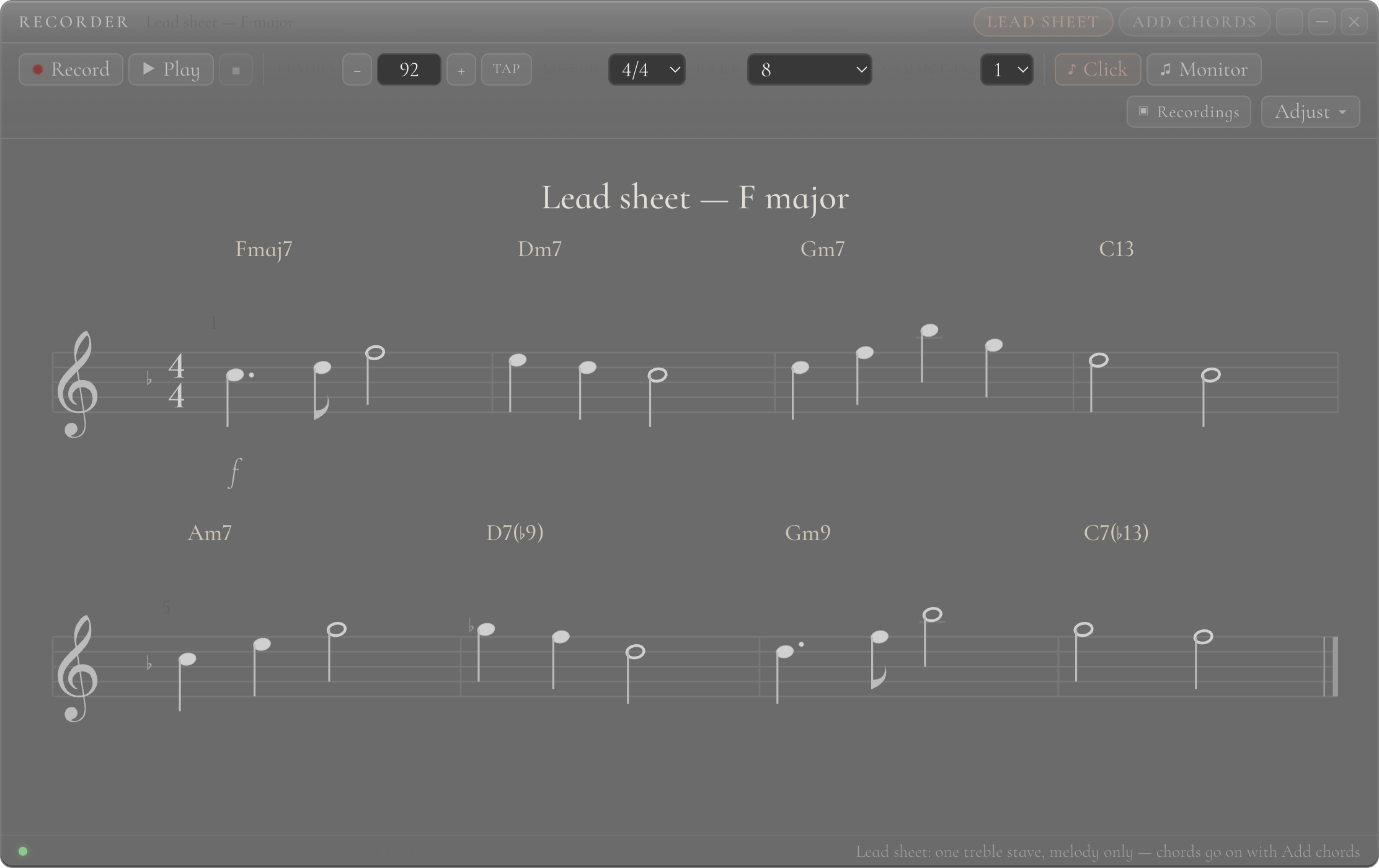 Recorder Lead 169 KB
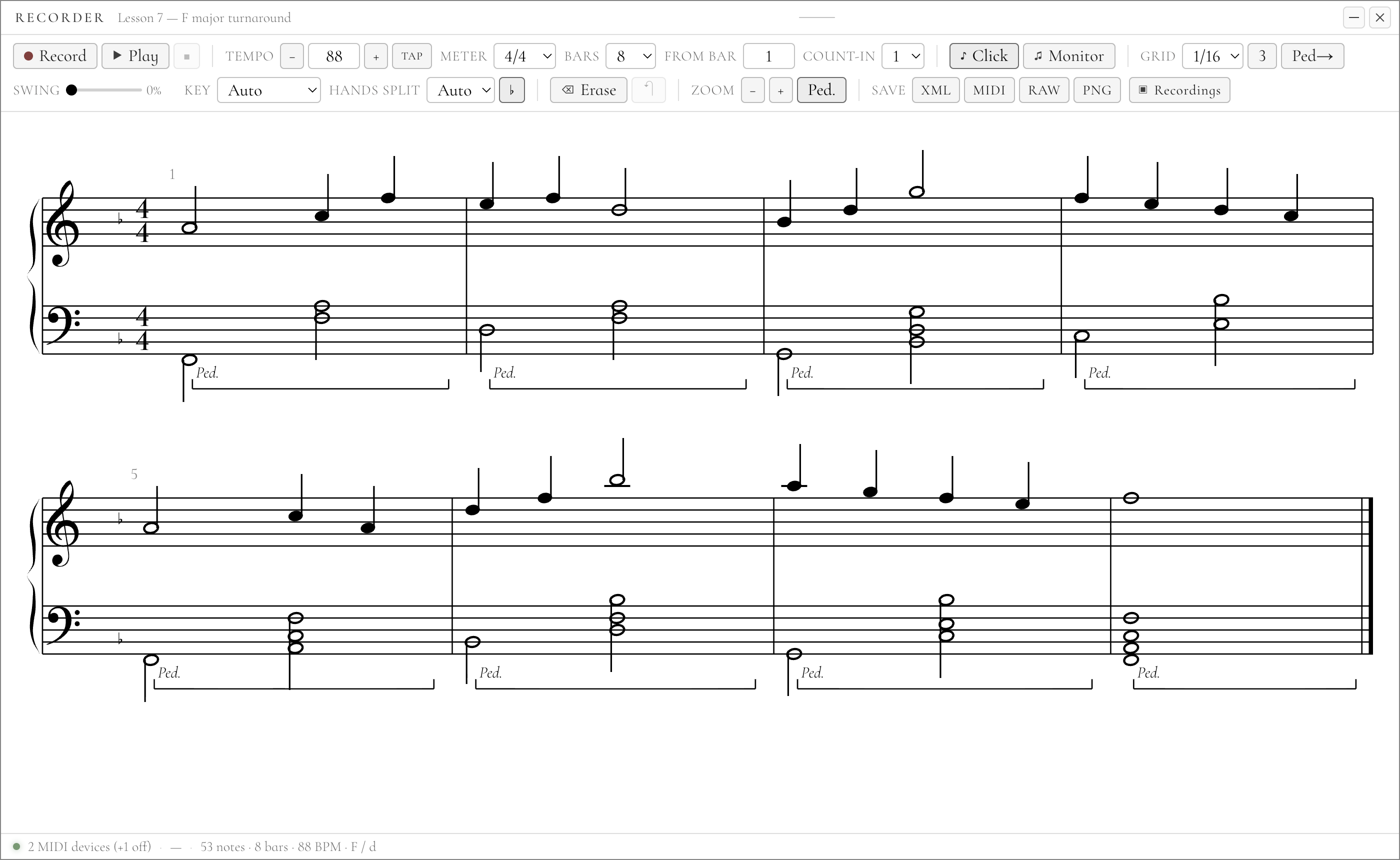 Recorder Paper 115 KB
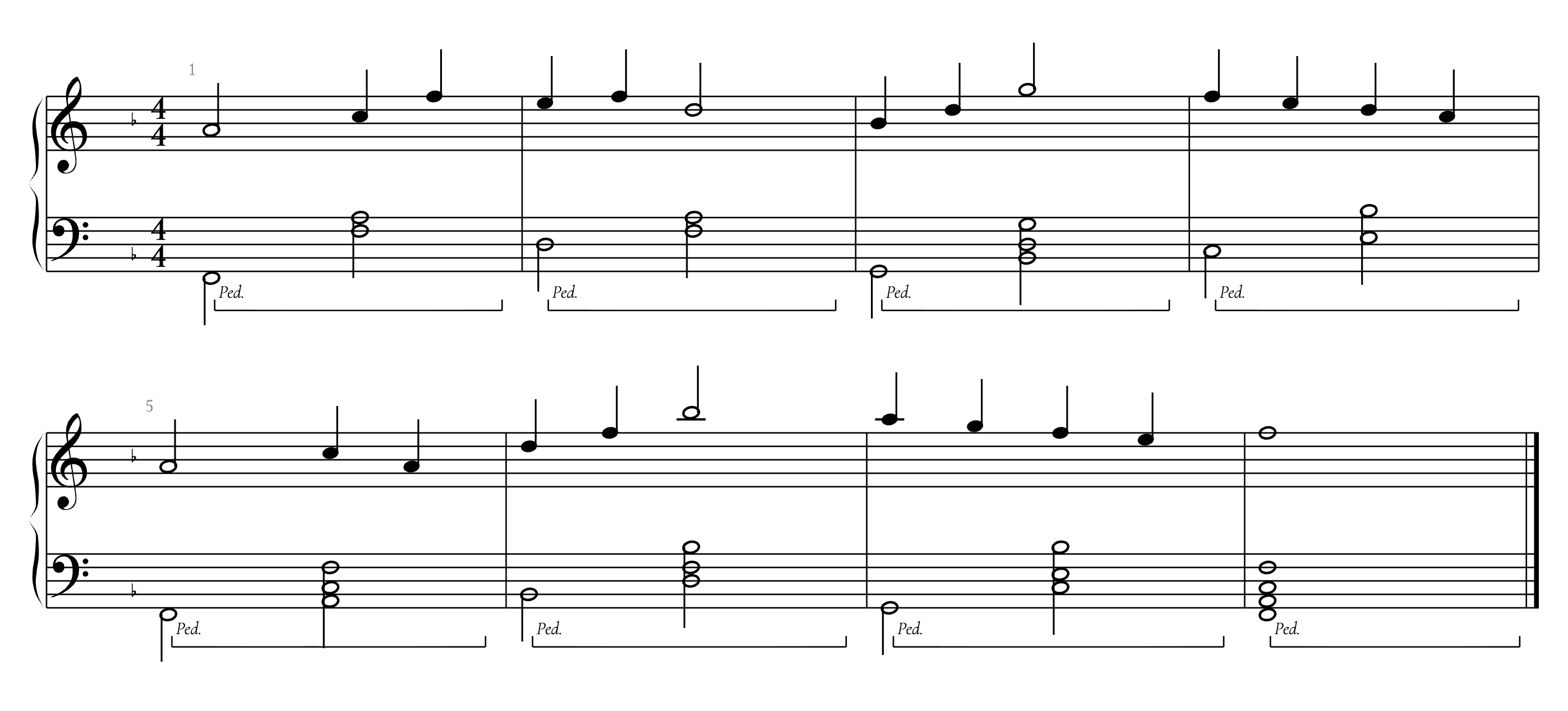 Export Score 148 KB